Running brand protection for many clients works when each client is a separate tenant with its own brands, authorization, evidence and report, and when the repetitive work (lookups, reports, follow-ups) is automated. Your analysts handle exceptions and client conversations. White-label means the client sees your portal, your domain and your report, while the platform does the takedown work underneath.
Key terms · 4
White-label
A service run on another company's platform but sold and shown under your own brand, domain and design.
Tenant
One client's separate space in a shared platform, with its own data, settings and users.
Multi-tenant dashboard
A view across all clients that lets the provider see every tenant's threats and takedowns in one place.
Escalation
Moving a case to a person or a stronger route, such as a registry or legal letter, when standard reports don't work.
Your clients use a portal on your domain with your logo and colours, and receive reports from you. The platform underneath does the monitoring and takedowns, but the client never sees its name.
How many analysts does it take to run takedowns for 50 clients?
It depends on how much is automated. If people do lookups, reports and follow-ups by hand, every new client adds analyst hours. If those steps are automated, analysts handle only exceptions and client conversations, and headcount grows much more slowly than the client list.
Can one client see another client's threats?
Not in a properly multi-tenant setup. Each client is a separate tenant with its own data and users; only your team sees across tenants.
Who is the abuse report sent from?
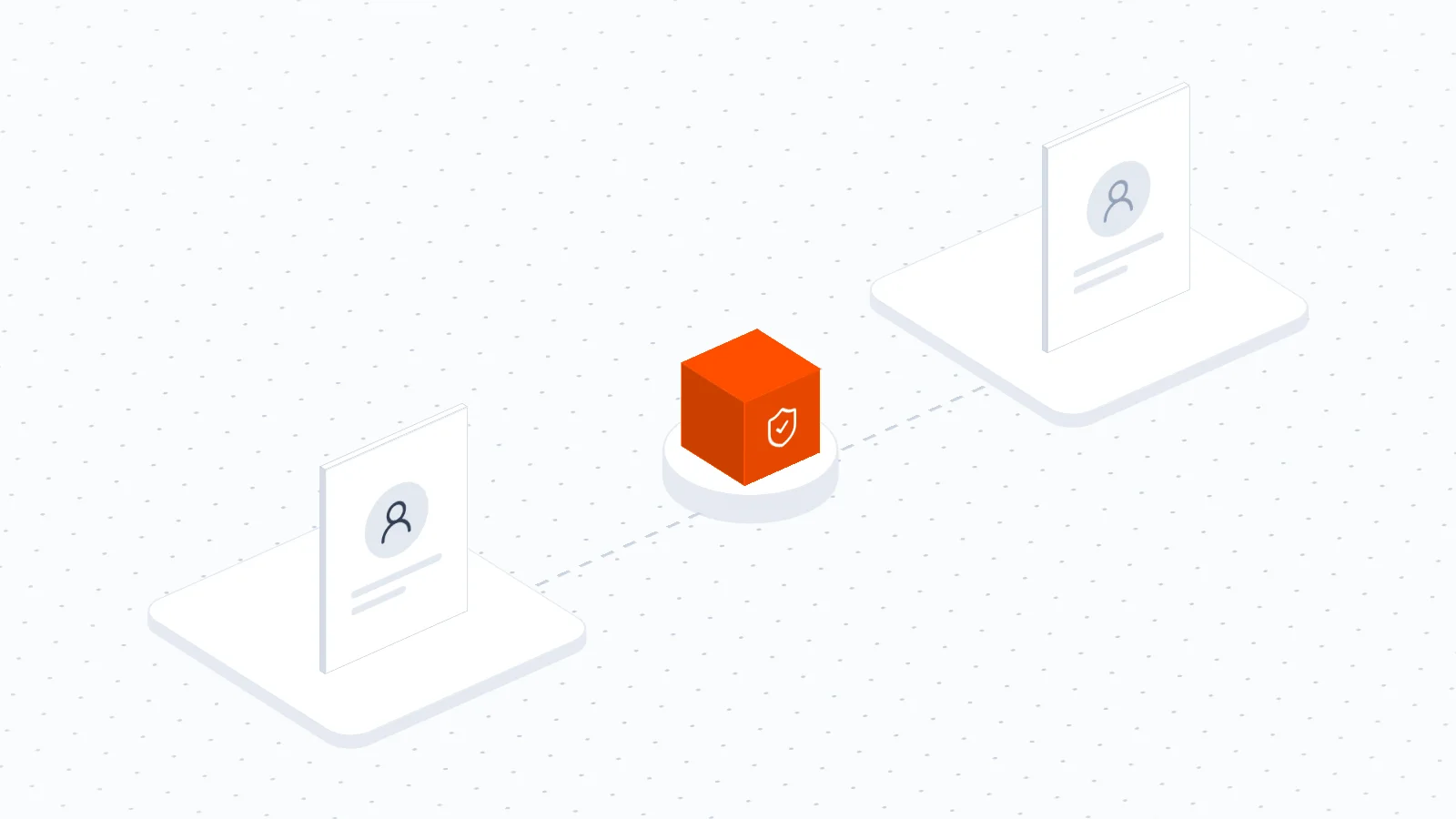
Reports are sent on the client's behalf, under the client's written authorization. Keep that authorization on file per tenant so any provider that asks can be shown it.
Spent seven years in cybersecurity helping build Lumu Technologies before founding Sentrike, where he builds AI agents that find and take down phishing sites and brand impersonators.
Why brand protection outside the firewall is a growing gap in MSSP services: what the market data shows, why clients can't do it in-house, and where MSSPs fit.
How MSSPs and MSPs can turn brand protection and phishing takedowns into a managed service: what goes in each tier, how to price it, and what to report to clients.
A practical guide for MSSPs and MSPs: who needs brand protection most, the discovery questions that surface the need, and how to handle the usual objections.
Nov 20, 2026 · 4 min read
Selling brand protection to one client is a project. Delivering it to fifty is an operation. The difference is everything that has to stay separate for each client (brands, evidence, authorization, reports) and everything that has to be shared to stay efficient: one process, one team, one view.
This guide walks through how a white-label brand protection service is structured, where the work goes, and what breaks first as the client list grows.
The client sees you: a portal on your domain, with your logo and colours, and a report from your team.
The platform does the work: monitoring, evidence capture, abuse reports, browser warnings and follow-ups.
You own the relationship: pricing, onboarding, the monthly review, and the conversations when something needs a decision.
This is different from reselling, where the vendor delivers directly to the client and the relationship is shared. White-label keeps brand protection inside your managed service, next to everything else you deliver.
Every client needs its own space, with nothing shared across tenants except your team's view:
Per tenant
Why it must be separate
Brands, domains, logos, executives
What to monitor and what counts as a copy
Official accounts and domains
So the platform doesn't report the client's own sites
Signed authorization
Proof you can report on their behalf
Evidence and case history
For repeat offenders, audits and legal steps
Users and permissions
Clients see only their own threats
Report and billing
Each client gets its own numbers
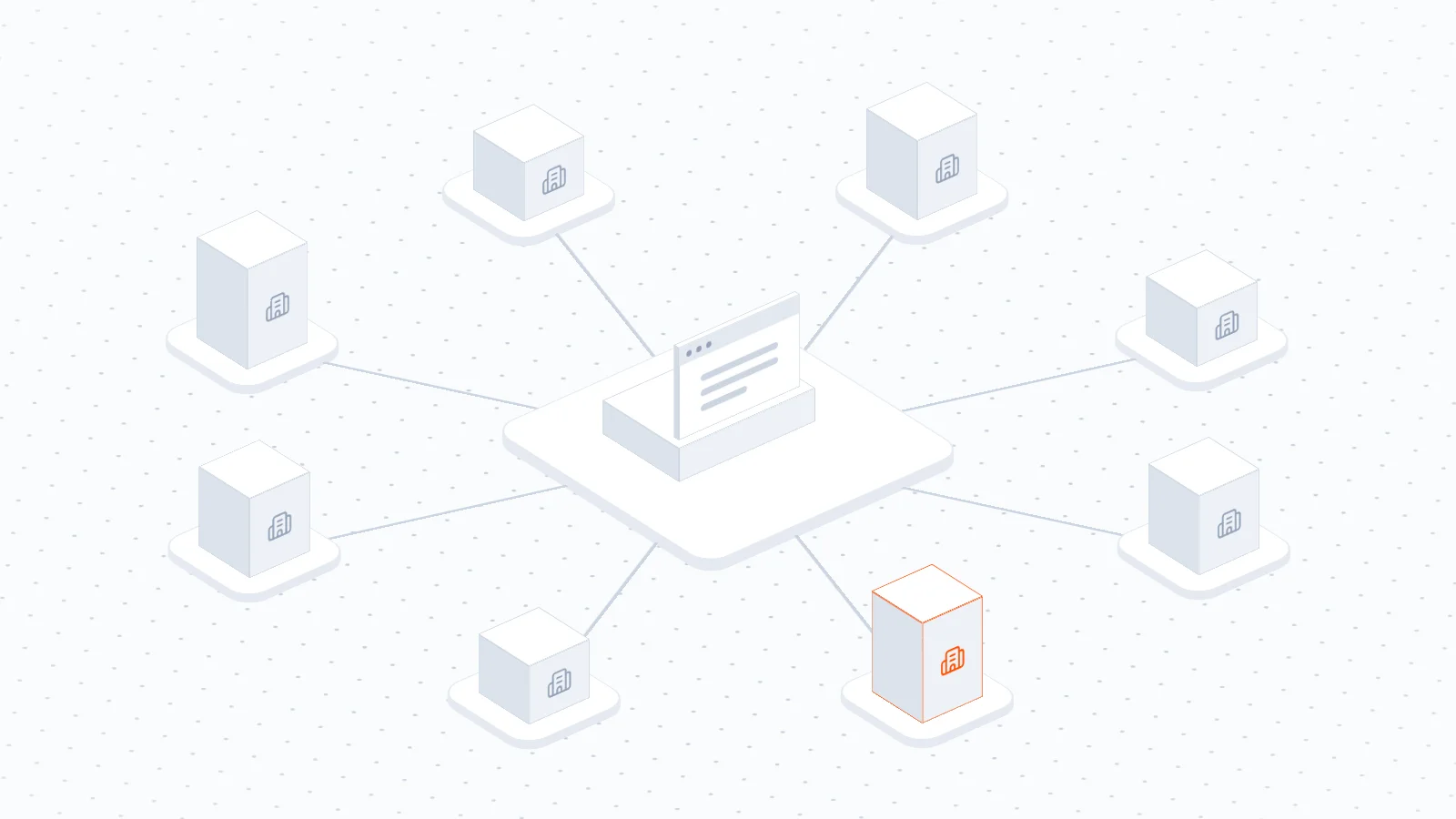
The multi-tenant dashboard is the one place that crosses tenants: your analysts see every client's open cases, sorted by what needs attention, without logging in and out.
A single phishing takedown involves around a dozen steps: confirm, capture evidence, look up the registrar and host, report to browser blocklists and providers, then follow up until it's offline (see the phishing takedown process). Done by hand, that work grows in a straight line with the number of clients.
Step
By hand at 50 clients
Automated
Finding new lookalikes and copies
Analysts checking feeds per client
Continuous monitoring per tenant
Capturing evidence
Screenshots and lookups per case
Evidence pack built automatically
Reporting to Safe Browsing, host, registrar
Forms and emails per case
Sent within minutes of confirmation
Following up
Calendar reminders, ticket chasing
Follow-ups until removal is verified
Monthly report
Spreadsheets per client
Generated per tenant
The steps that stay with people are the ones that need judgment: an unusual case (a compromised legitimate site rather than a fake one), an escalation that needs a relationship or a legal letter, and the client conversation.
Before the first takedown for a new client, have a signed authorization on file that says who you are, what you can report, and on which brands and domains. Providers rarely ask to see it for phishing, but platforms and some registrars do for trademark complaints and social media impersonation, and you don't want to be chasing a signature while a site is live. Our takedown authorization template covers what to include.
Inconsistent onboarding. Some clients have every domain and executive listed, others half. Use one onboarding checklist for everyone.
Shared inboxes for abuse replies. Replies from fifty clients' cases in one mailbox get lost. Keep every case's correspondence attached to the case, per tenant.
Reports nobody reads. Keep the monthly report to one page per client: threats found, sites removed, time to warning and removal, decisions needed.
Analysts doing lookups. If your team is still finding abuse contacts by hand, every new client costs hours. Automate the repetitive steps before you grow the client list.
Sentrike's MSP / MSSP partner track includes a white-label portal (custom domain, your logo and colours, no Sentrike branding), a multi-tenant dashboard across all your clients, and per-tenant usage and billing. For technology partners, an iframe embed and API with webhooks bring takedowns into your own platform. Sentrike's AI agents run each takedown end to end: evidence pack, Google Safe Browsing report so browsers warn visitors within minutes, abuse reports to host and registrar, and follow-ups until removal is verified. See Partners.