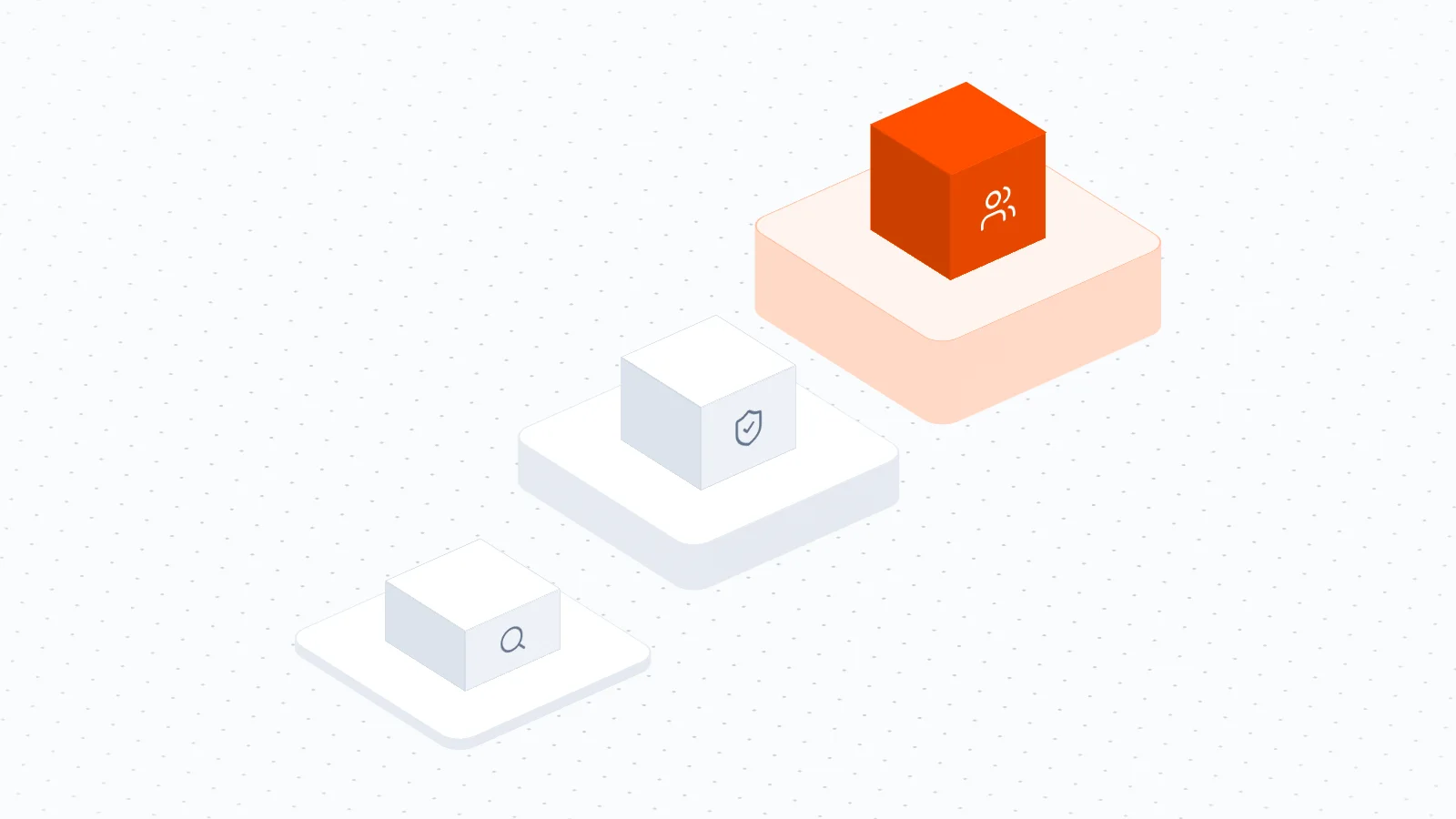
Package brand protection in three tiers: monitoring with alerts, monitoring with managed takedowns, and a full tier that adds executive and social monitoring. Price on what the client protects (domains, brands, executives), not on alerts, include takedowns rather than counting them, and report on time to browser warning and time to removal every month.
Key terms · 4
Brand protection
Finding and removing threats that misuse a company's name outside its network, such as phishing sites, lookalike domains and fake social accounts.
Takedown
Getting a phishing site or fake page removed by reporting it to the host, registrar and browser blocklists.
Good-better-best
A packaging model with three tiers, each adding to the one below, so clients can start small and move up.
Time to warning
The time from detecting a phishing site to browsers showing a warning on it. Usually the first measure clients feel.
Should brand protection be a separate service or part of an existing MSSP bundle?
Both work. Many providers add monitoring to their existing security bundle and sell managed takedowns as an upgrade, because the takedown is where the client sees a result.
How should an MSSP price brand protection?
Price on the scope the client protects, such as the number of brands, domains and executives, with takedowns included. Per-alert or per-takedown pricing makes clients hesitate to report threats, which is the opposite of what you want.
What should the monthly brand protection report include?
Threats found, takedowns completed, median and slowest time to browser warning and to removal, sites still being worked on, and anything that needs the client's decision.
Do I need a legal team to offer takedowns?
Not for phishing sites. Hosts, registrars and browser blocklists act on abuse reports with evidence. You do need the client's written authorization to act for them, and a route to counsel for the few cases that need a UDRP or legal letter.
Spent seven years in cybersecurity helping build Lumu Technologies before founding Sentrike, where he builds AI agents that find and take down phishing sites and brand impersonators.
Why brand protection outside the firewall is a growing gap in MSSP services: what the market data shows, why clients can't do it in-house, and where MSSPs fit.
A practical guide for MSSPs and MSPs: who needs brand protection most, the discovery questions that surface the need, and how to handle the usual objections.
A template for clients to authorize their MSSP or agency to report phishing sites and impersonation on their behalf, with what each provider asks for and why to sign it before you need it.
Nov 20, 2026 · 3 min read
Most MSSPs already watch their clients' networks, endpoints and email around the clock. The attacks that hurt those clients' customers increasingly happen somewhere else: on phishing sites that copy their login page, lookalike domains, and fake accounts using their name. None of that is inside the firewall, so none of it shows up in the SOC.
Brand protection fills that gap, and it packages well as a managed service: it runs continuously, it produces visible results (a phishing site that's gone), and it fits the monthly reporting clients already expect. This guide covers how to structure it, what to put in each tier, and how to price and report it.
Clients don't want alerts about phishing sites. They want the sites gone, and their customers protected while that happens. Package around that outcome:
Detection: new lookalike domains, certificates and copies of the client's site, found before customers report them.
Protection: browser warnings within minutes, so Chrome, Safari and Firefox warn visitors while removal is in progress.
Removal: abuse reports to the host and registrar, with follow-ups until the site is offline.
Proof: a monthly report the client can show its board.
A tier that stops at detection hands the hardest part, the takedown work, back to the client. That's fine as an entry point, but it shouldn't be the whole offer.
Most clients with customer-facing logins or payments
Banks, retailers, brands with visible executives
Lookalike domains and phishing sites
✓
✓
✓
Alerts with evidence
✓
✓
✓
Browser warnings (Google Safe Browsing)
✓
✓
Managed takedowns with follow-up
✓
✓
Social media monitoring
✓
Executive (VIP) monitoring
✓
Monthly report
Findings
Findings, takedowns, timings
Everything, plus quarterly review
Keep the tiers additive: each one includes everything below it. That makes upgrades easy to explain ("everything you have now, plus takedowns") and keeps your delivery to one process.
Clients ask you to filter harder; real threats get missed
Per takedown
Client pays for each removal
Clients hesitate to approve takedowns; sites stay up longer
Per scope, takedowns included
Client pays for what's protected: brands, domains, executives
Everything found gets removed; the price is predictable
Price on scope. A client protecting one brand and two domains is a different job from one protecting five brands and twenty executives, and the price should reflect that, but every threat inside that scope should be handled without a separate decision. A client who has to approve a fee before each takedown is a client whose phishing sites stay up over the weekend.
Clients judge a service by its report. Keep it to one page:
Threats found this month, by type (phishing site, lookalike domain, fake account).
Takedowns completed, and sites still being worked on, with their age.
Time to browser warning and time to removal: the median and the slowest case. The slowest case is what the client will ask about.
Repeat offenders: kits or operators that came back on new domains.
Decisions needed: anything that needs the client, such as a UDRP or a legal letter.
Avoid reporting "takedowns requested" as a success measure. A request isn't a removal, and clients learn the difference the first time a reported site is still live a week later.
Brands, domains, logos, executives and official social accounts
↓→
02
Authorize
Signed authorization to report on the client's behalf
↓→
03
Baseline
First scan: what already exists, and what to remove first
↓→
04
Run
Continuous monitoring, takedowns and the monthly report
The authorization step is the one most often skipped. Get it signed before the first takedown, so nobody is waiting for a signature while a phishing site is live. Our takedown authorization template covers what it should say.
Build it: your own monitoring and takedown team. Full control, but you staff lookups, reports and follow-ups for every client, which is the work that doesn't scale (see the phishing takedown process).
Resell: the vendor delivers and the client knows it. Least effort, but the client relationship is shared.
White-label: the vendor's platform runs under your brand, inside your service. You own the client relationship and the report; the platform does the repetitive work.
For most MSSPs, white-label is the fit: it's your service, at your price, without hiring a takedown team. See white-label brand protection across 50+ clients for how that works in practice.
Sentrike's MSP / MSSP partner track is built for this model: a white-label portal with your domain, logo and colours, a multi-tenant dashboard across clients, and per-tenant usage and billing. Sentrike's AI agents find phishing sites and lookalike domains, report them to Google Safe Browsing so browsers warn visitors within minutes, and follow up with hosts and registrars until the sites are offline. You set your clients' price, there's no minimum volume, and Sentrike doesn't sell directly into your accounts. See Partners.