Guides & Checklists

Guide · PDF, 15 pages

Brand Threat Identification & Takedown Guide 2026

In short

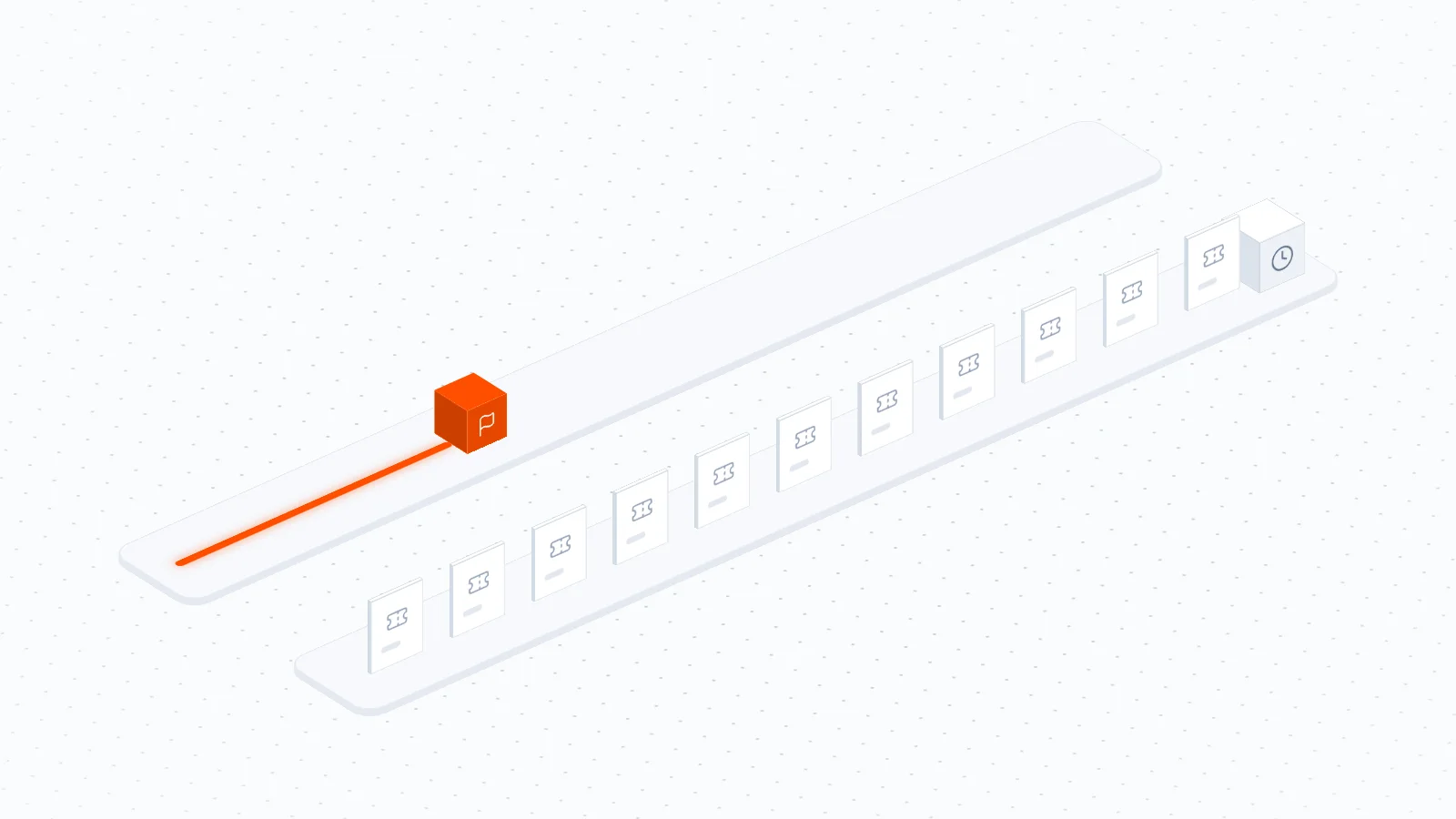
External brand threats come in three forms that work together: a lookalike domain is the infrastructure, a phishing site takes the credentials or payments, and an impersonation profile lures victims to it. Finding them isn’t enough: protection comes from browser warnings and fast removal, measured by time to takedown rather than alerts.

Download the PDFFree, no form to fill in

What’s inside

  1. 01The lookalike domain vectorFive subtypes, from typosquatting to subdomain abuse.
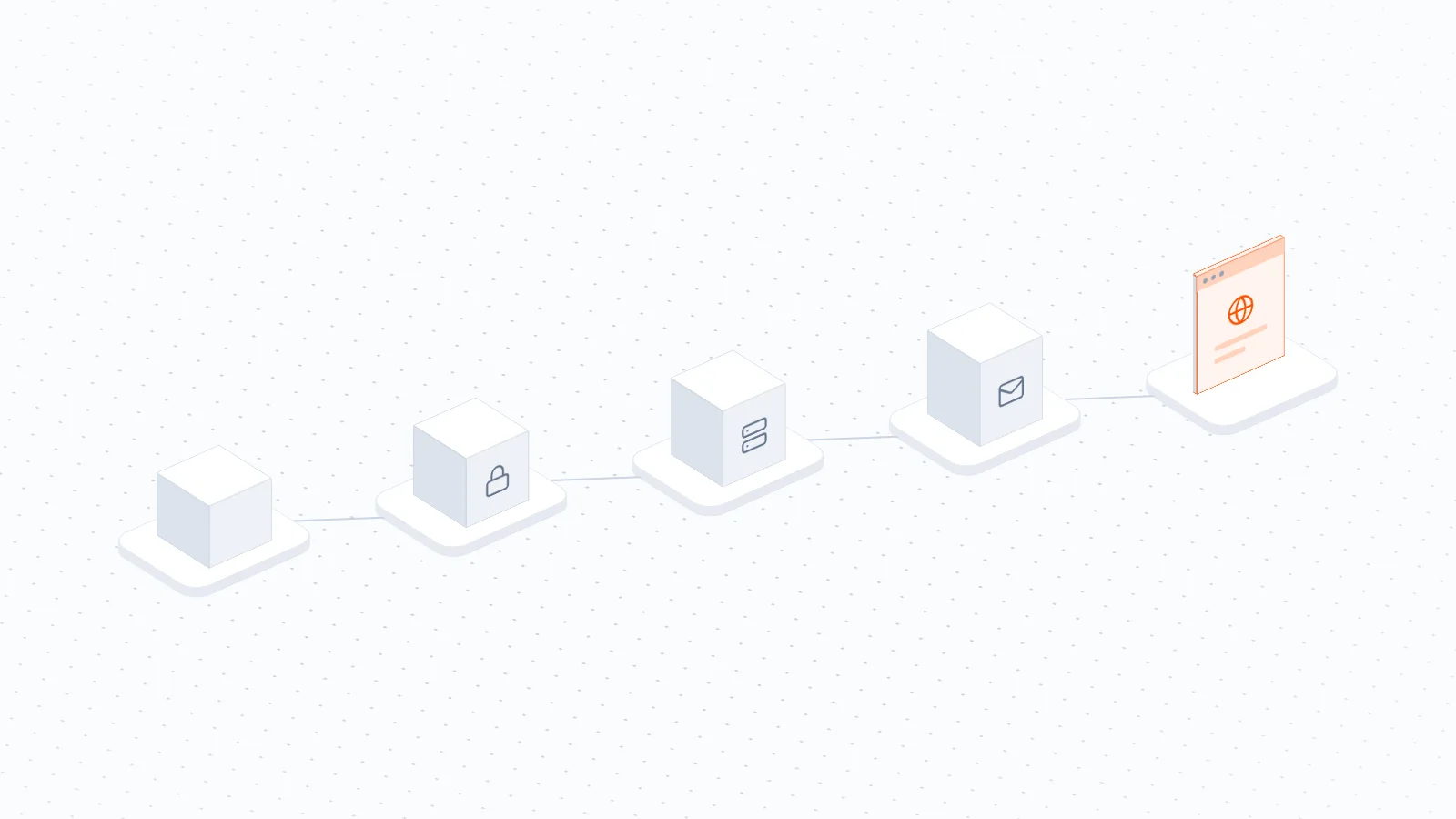
  2. 02Anatomy of an attackA fictional campaign from registration to stolen credentials in 98 minutes.
  3. 03The phishing site vectorLogin clones, MFA proxies, fake payment pages and storefronts.
  4. 04The impersonation vectorFake support accounts, executive impersonation, ads and apps.
  5. 05The takedown gapWhy detection without fast removal fails, and manual vs automated takedown.
  6. 06Building a programFive pillars and the KPIs that prove they work.
  7. 07Comparison matrixAll three vectors side by side, for incident triage.

Key findings

#1

cyber-enabled fraud and phishing became CEOs’ top cyber concern for 2026

WEF Global Cybersecurity Outlook 2026

73%

of respondents were, or knew someone, directly affected by cyber-enabled fraud

WEF Global Cybersecurity Outlook 2026

971,181

phishing attacks observed in Q1 2026, up 13.8% on the previous quarter

APWG, Q1 2026

Who it’s for

  • CISOs and security leaders briefing the board
  • Fraud teams aligning with security on external threats
  • SOC and digital risk teams setting response targets

Frequently asked questions

What’s the difference between a lookalike domain, a phishing site and impersonation?
A lookalike domain imitates your name and is the infrastructure; a phishing site is a live page that collects credentials, cards or codes; impersonation is a fake profile, ad or app that sends victims to it. Most campaigns use all three.
Which KPIs does the guide recommend?
Time to detect, time to browser warning, time to takedown (median and 90th percentile), completion rate (cases fully removed) and automation rate.
Is the guide free?
Yes. It’s a free 15-page PDF with no form to fill in.

The phishing exposure window

Minute 0 to 60: Inside a Modern Phishing Attack

How a phishing campaign goes from a new domain to victims' inboxes in about an hour, why most of the damage is done within days, and how that compares with a ticket-based response.

Nov 20, 2026 · 4 min read

Lookalike domains, from parked to phishing

From Parked Domain to Phishing Site: The Warning Signs

The certificate, DNS, mail and page changes that show a dormant lookalike domain is about to be used for phishing, how strong each signal is, and what to do at each stage.

Nov 16, 2026 · 4 min read

The phishing exposure window

Stop Counting Takedowns. Start Removing Campaigns.

A new report argues the industry has been measuring the wrong thing — that counting takedowns misses the point, because attackers run campaigns, not one-off fakes. It's right. Here's the part it leaves out.

Nov 2, 2026 · 4 min read